0003 - My bulk scanning setup
This is my bulk scanning setup. I scan mail in random order. If it’s important, I put a numbered sticker on it. That document goes to the bin on the right. Otherwise, it falls face down into the bin on the left.
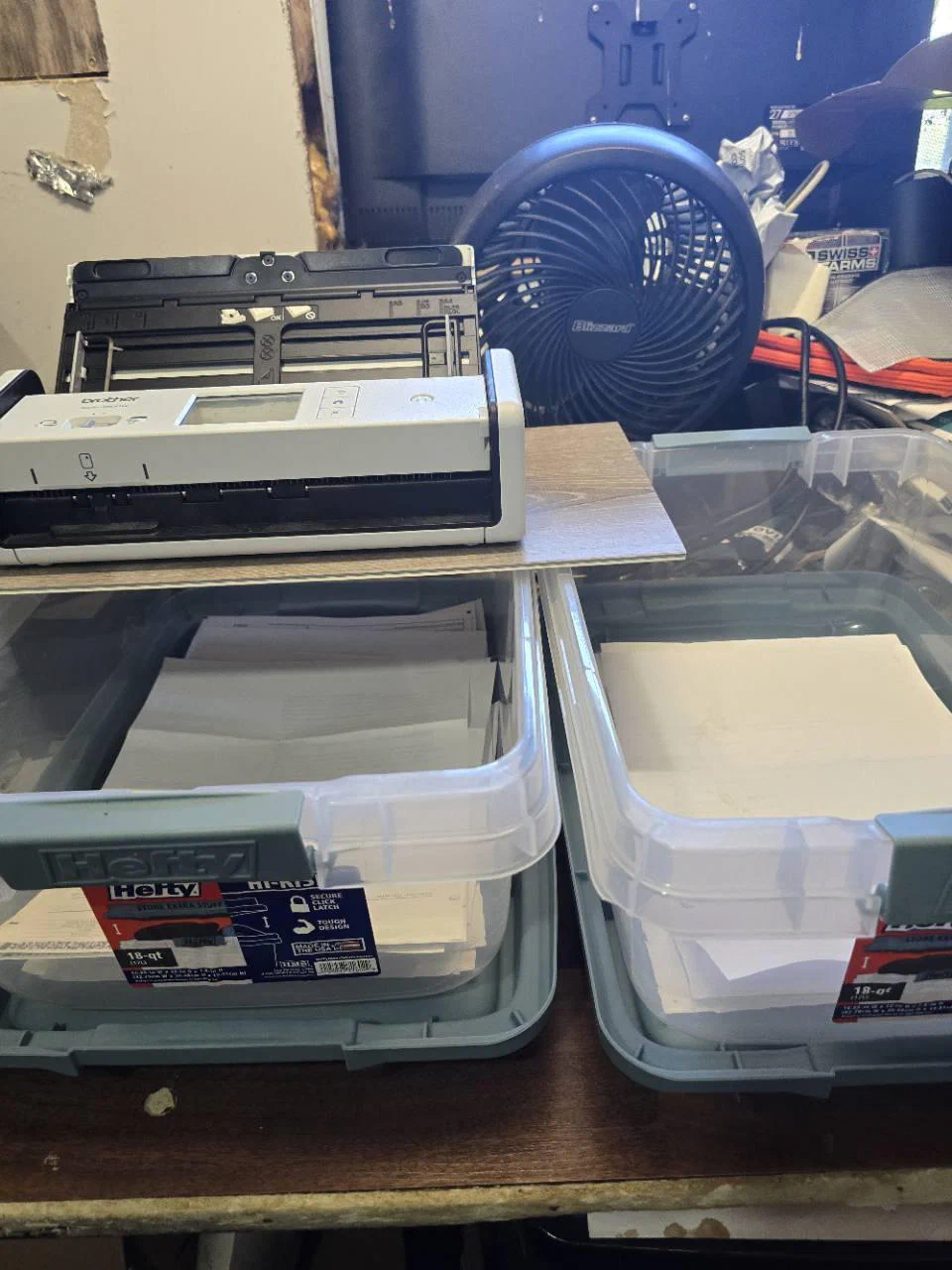
The scanner uploads into my NAS. Paperless picks that up and runs OCR. After this, Jane sees it and runs the document through “secondlook”. Secondlook calls MinerU to pull out tabular data and convert the document to structured Markdown-style data. It also feeds the file into a local Qwen vision model to describe anything OCR and MinerU missed. This finds things like a handwritten “pd check 1234” on an invoice, or that silver number sticker.
I don’t sort the paper by date or correspondent. I can pull an index of documents to tell me which bin it is in and where it is in the order.
Numbered documents are ones I plan to keep long term: anything I think I might need the physical copy of in the future. The regular bin can be emptied out as needed for space.